Cisco Firewall Management Architecture
Cisco Secure Firewall is a Firewall Appliance or Virtual appliance provided by Cisco. Originally the Cisco Secure Firewall was known as Firewall Threat Defence, so youll see me refer to it as Cisco FTD or FTD for short.
Originally FTD was designed to be managed by a centralised controller known as the Cisco FMC or Firewall Management Center. It still is, however, nowadays there are a few different options of deployment for managing our firewalls. We have on-prem physical Management Center Appliances, Virtual Management Appliances hosted on servers, and cloud hosted option called cdFMC or Cloud Delivered Firewall Management Center.
Whenever you see cd in cisco, it essentially means cloud delivered. There is also something called Cisco Secure Firewall Device Manager or FDM, however I find hardly anyone uses this and the limitations of it are great. Preferably everyone who deploys an FTD should be using an FMC whether on-prem or cloud FMC.
cdFMC is hosted in what cisco call Security Cloud Control. It is their SaaS cloud solution for managing all their cloud based solutions in one central place.
Initial Onboarding to cdFMC
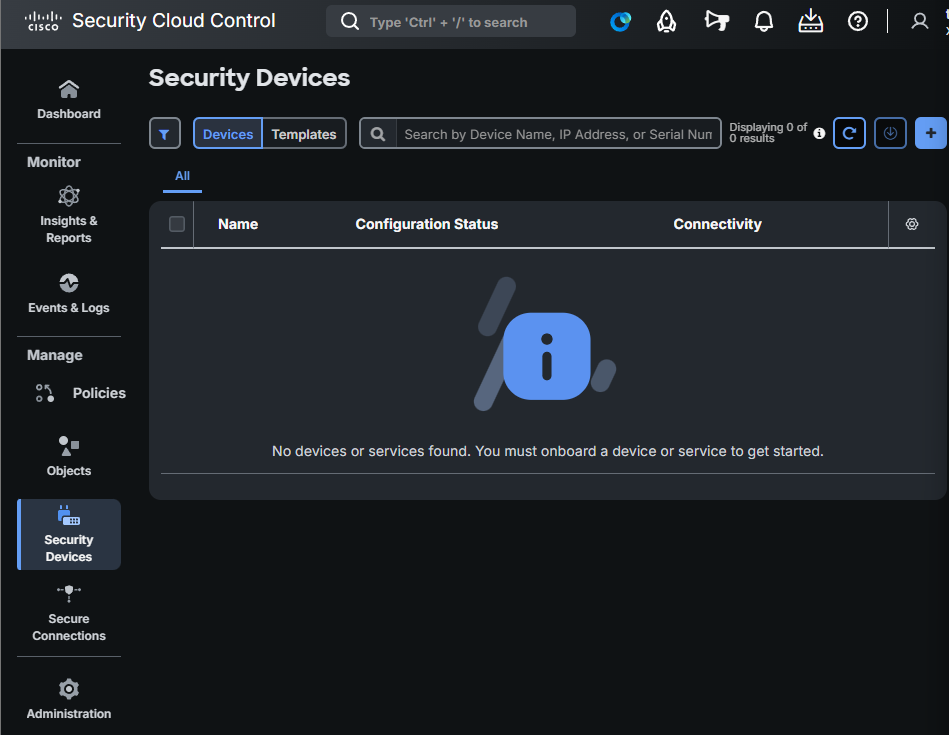
- Click Security Devices -> Click the Add button
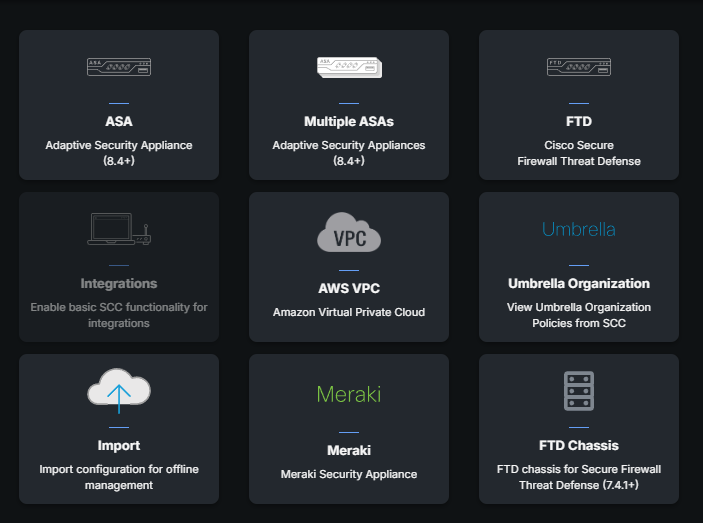
- Click FTD or whichever device you want to onboard
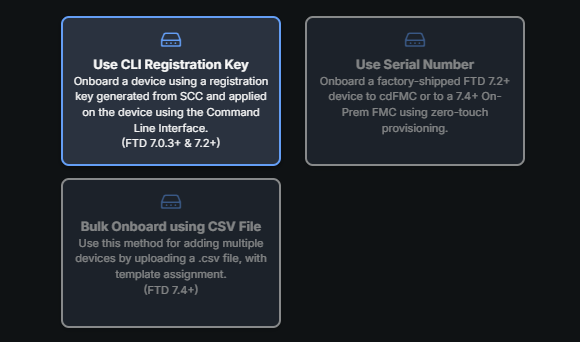
- There are a few options to onboard a device to cdFMC -> Click on "Use CLI Registration Key"
- Go through the options and at step 4, make sure to copy the registration key and paste it into your FTD CLI.
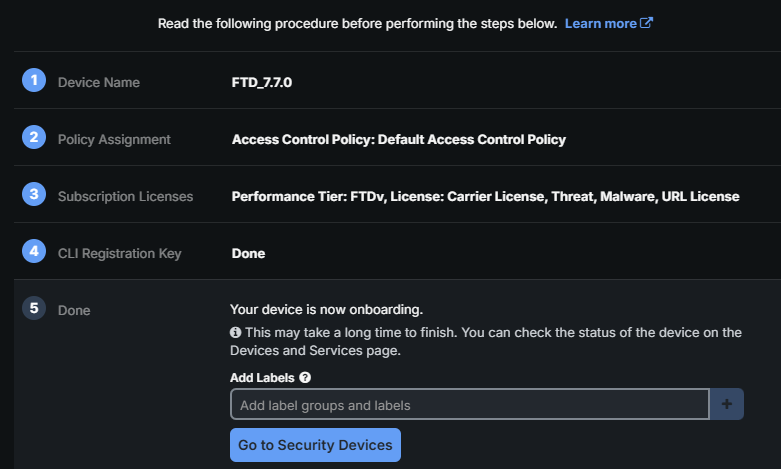
Once this is done the FTD should be able to reach the cdFMC and be registered. Be aware that the FTD does need outbound connectivity. In my home lab, I setup it to use my DC as the DNS server which has DNS forwarders to 8.8.8.8 and had external connectivity.
Ensure configure network DNS servers [ip] is configured then go into expert and ping 8.8.8.8 if that's all working then onboarding to cdFMC will work.
Comments